

Two types of content
Pages
Pages are the fixed sections of your site — Home, About, Reviews, Services, and Book. These have a set layout that Finsites has designed for you. You can edit the text and images on a page, but the structure stays the same.The CMS (your content database)
The CMS (Content Management System) is a database behind your site that powers content that appears in multiple places. For example:- Reviews — each review you add appears on your Reviews page and on other pages like Home
- Team members — each person you add appears on your About page and on article author bylines
- Articles — each post you publish appears on your blog listing and can be linked from Services
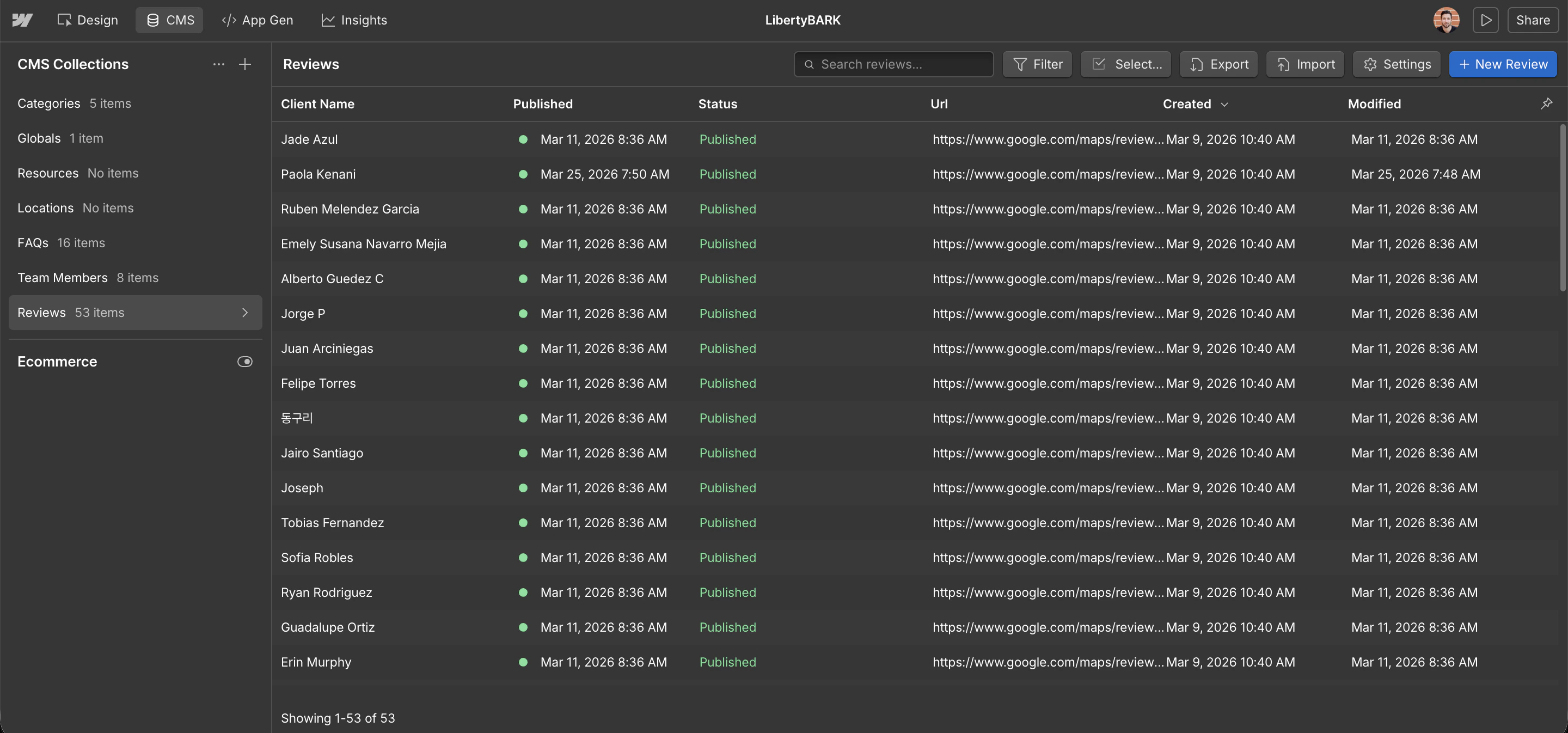
How pages and the CMS connect
When something appears in more than one place on your site, it almost always lives in the CMS — not on the page itself. This means you only ever update it in one place.
What you’ll spend most of your time doing
For most clients, day-to-day management means:| Task | Where it lives |
|---|---|
| Adding a new review | CMS → Reviews |
| Updating a team member’s bio | CMS → Team members |
| Publishing a new article | CMS → Articles |
| Changing a page headline | Page editor |
| Updating your booking link | Page editor |
Your site’s pages at a glance
| Page | URL | What it does |
|---|---|---|
| Home | / | First impression — hero, services summary, featured reviews |
| About | /about | Firm story, stats, and the full team grid |
| Reviews | /reviews | Full wall of client testimonials |
| Services | /services/[name] | One page per service you offer |
| Articles | /articles | Blog and thought leadership |
| Book | /book | Booking page with your scheduler |
Ready to get started?
See the full launch checklist